

Make Social Media Videos Look Professional
In 2026, social media is one of the most powerful platforms for brand growth. But simply posting videos is not enough. With increasing competition across platforms, businesses must ensure their content looks polished, strategic, and high-quality. Professional-looking social media videos build credibility, increase engagement, and drive more conversions.
If you want to understand the impact of editing on revenue, you can also read our blog on How Professional Video Editing Helps Businesses Increase Sales. And if you’re exploring modern content formats, check out Best Video Editing Styles for Short Form Content in 2026 to stay updated with trends.
Start With Clear Strategy and Purpose
Before editing even begins, define the goal of your video. Is it brand awareness, lead generation, product promotion, or customer education? Professional videos are built around strategy, not random clips.
Marketing research from HubSpot shows that businesses that align content with marketing goals see significantly higher engagement and conversions. A clear objective ensures your video structure supports measurable results.
Focus on Lighting and Visual Quality
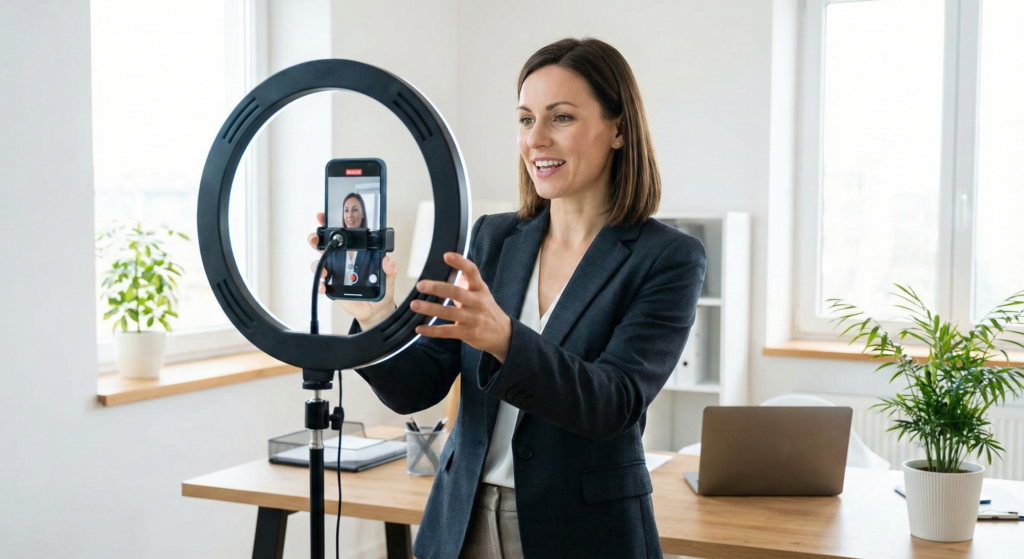
Professional appearance starts with strong visuals. Even smartphone footage can look premium when lighting is handled properly. Natural light, softbox lighting, or ring lights dramatically improve video quality.
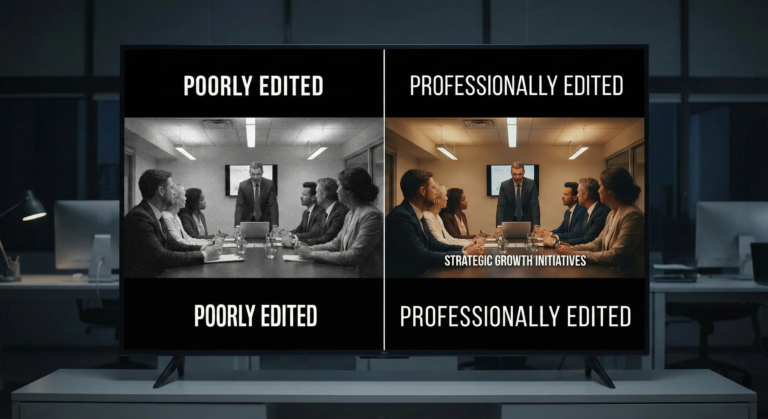
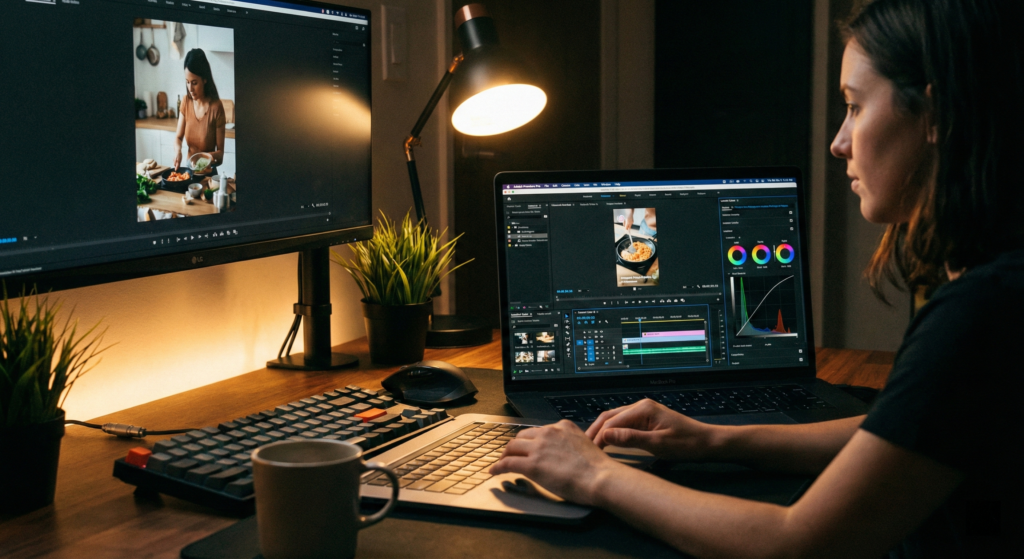
Good lighting reduces grain, improves skin tones, and enhances product presentation. Once captured correctly, professional editing enhances these visuals through color correction and grading. If you’re unsure about quality benchmarks, read What Makes a High-Quality Commercial Video Edit for deeper insight.
Use Clean and Consistent Branding
Professional social media videos maintain brand consistency. This includes logo placement, brand colors, typography, and tone of voice. Consistency builds recognition and trust.
Platforms like Instagram reward visually consistent content because audiences are more likely to engage with recognizable branding. A clean intro animation and subtle watermark can significantly enhance professionalism.
Add Captions and Text Overlays
Many users scroll social media without sound. Caption-driven editing ensures your message is delivered even when muted. Animated text overlays also highlight key points and improve retention.
Short-form platforms such as TikTok have shown that videos with captions often achieve higher completion rates. Professional editors use branded caption styles that enhance clarity without distracting viewers.
Improve Audio Quality
Audio clarity is one of the biggest differences between amateur and professional videos. Background noise removal, balanced voice levels, and suitable background music elevate video quality instantly.
Research from Wyzowl indicates that poor sound quality is one of the main reasons viewers abandon videos early. Investing in proper microphones and sound editing tools makes a significant difference.
Optimize for Platform Requirements
Each social media platform has different aspect ratios, content styles, and audience behavior patterns. Professional videos are optimized for where they will be posted.
For example, vertical formats perform better on TikTok and Instagram Reels, while horizontal formats may work better for website embeds and certain ad placements. Even YouTube emphasizes retention and engagement as ranking factors, making optimized editing essential.
Professional editors tailor video pacing, hooks, and calls-to-action based on platform algorithm behavior.
Use Smooth Transitions and Motion Graphics
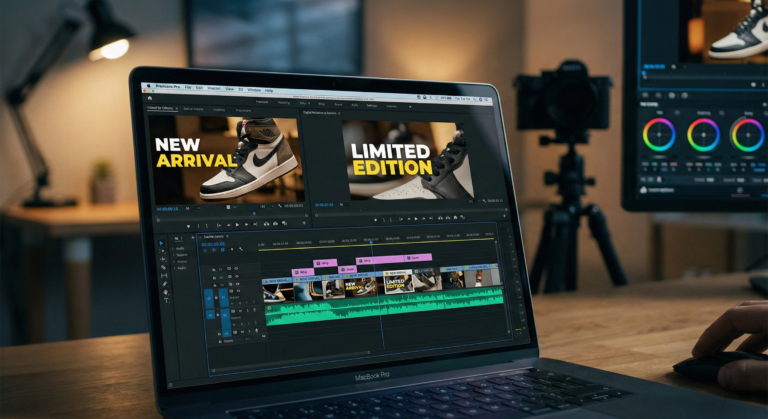
Overusing flashy transitions can make videos look unprofessional. Clean cuts, subtle zooms, and minimal motion graphics create a premium look. Motion graphics can also simplify complex information and make videos more engaging.
If you’re unsure whether your content quality meets professional standards, review 7 Signs Your Business Needs Professional Video Editing to evaluate improvement areas.
Include Strong Call-to-Action
Professional social media videos guide viewers toward action. Whether it’s visiting your website, booking a service, or sending a message, a clear call-to-action increases conversion potential.
If viewers are impressed by your content, they should easily find your Services or reach you through your Contact . Strategic video editing ensures calls-to-action appear at the right moment without feeling forced.
Maintain Consistent Posting and Style
Professional appearance is not only about one video. Consistency across multiple posts builds brand authority. Using similar editing styles, color grading, music tone, and messaging strengthens audience familiarity.
Businesses that treat social media as a long-term strategy rather than a one-time effort usually experience steady growth in engagement and leads.
FAQs
Can smartphone videos look professional?
Yes. With proper lighting, clear audio, and professional editing, smartphone footage can look high quality.
Do captions really improve social media performance?
Yes. Captions increase watch time and help users understand content even when muted.
Is professional editing necessary for small businesses?
Yes. Professional videos build trust and help small businesses compete with larger brands.
How often should businesses post social media videos?
Consistency matters more than frequency. A steady posting schedule with professional quality delivers better results.